01
One platform, across devices
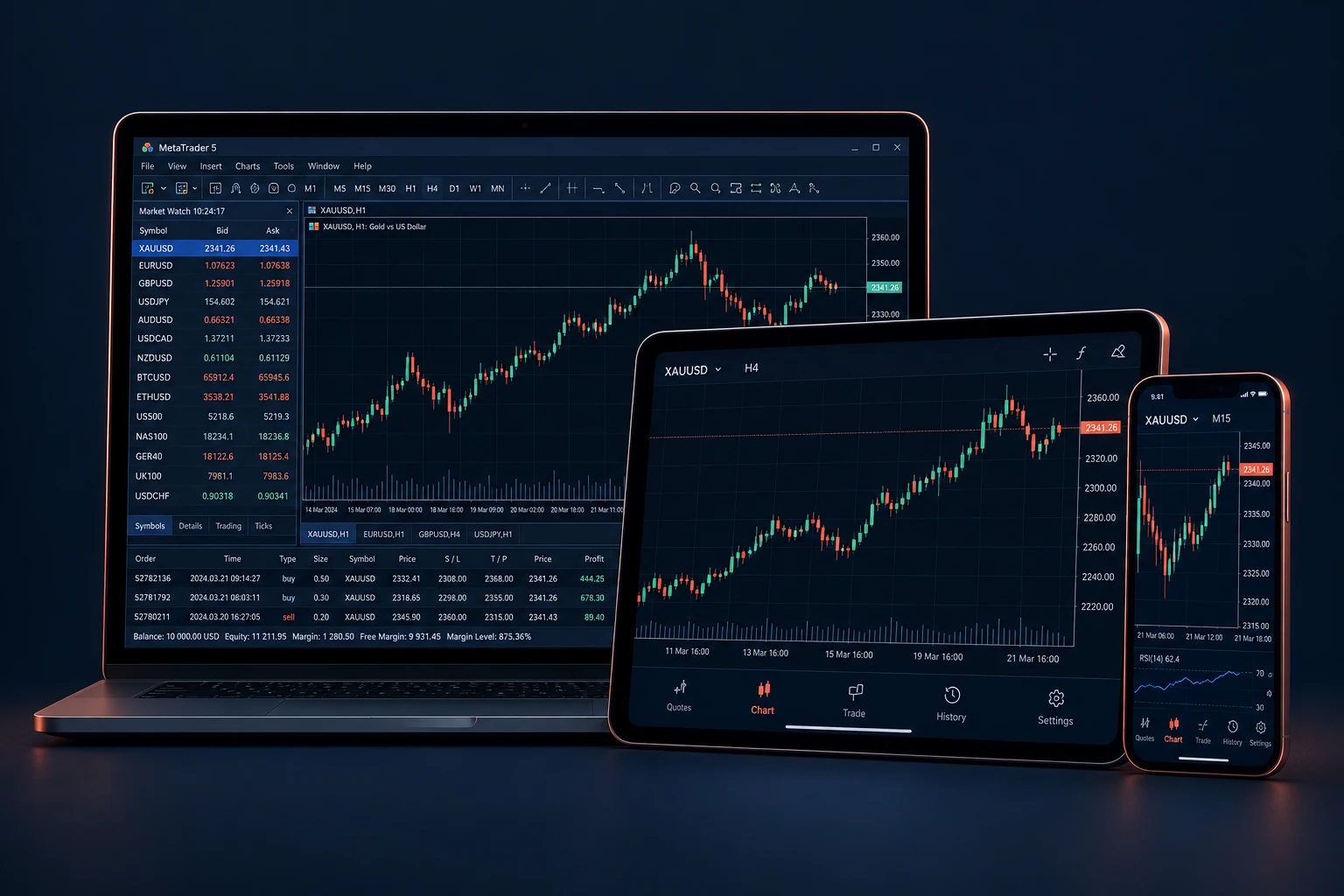
Desktop, mobile and webCharts and order managementYour trading account credentials
02
Download MetaTrader 5
03
Connect your trading account
- 1
Create your account
Register in the client area and create the trading account you want to connect.
- 2
Use the correct server
Find your trading account number and server name in your client area. Your website login and MT5 login can be different.
- 3
Log in and verify
Choose an existing trading account in MT5, select the supplied server and enter the trading login and password. Check that the platform connects.
04
If you cannot connect
Which login should I use?
Use the trading account number and trading password, not your client-area email and password. Confirm whether you are connecting a practice or live account.
What should I send support?
Share your account number, device, selected server and the exact error text. Never send your password, one-time code or recovery information.